
Have you ever spent money on marketing and wondered, “Where did all that budget go?”
You’re not alone.
Many business owners know Google Ads can bring customers, but they hesitate because the platform looks confusing. Campaigns, keywords, bidding, and Quality Score can feel overwhelming at first.
The good news? You don’t need to become an expert to start getting leads.
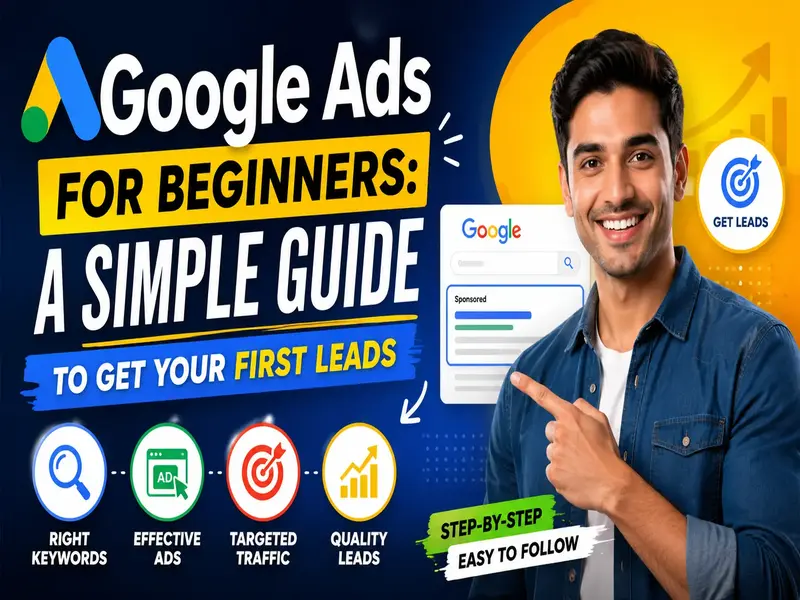
This Google Ads for Beginners guide explains everything in simple terms. By the end, you’ll understand how Google Ads works, what mistakes to avoid, and how to launch your first campaign with confidence.
What Is Google Ads?
Google Ads is Google’s online advertising platform.
It allows your business to appear at the top of Google Search when people are actively looking for products or services like yours.
For example, imagine you own a home interior company in Mumbai.
When someone searches:
- Home interior designer near me
- Modular kitchen company
- Interior designer in Mumbai
Your business can appear above the normal search results as a sponsored listing.
The biggest advantage?
You’re reaching people who are already searching for what you offer. That makes Google Ads different from many other marketing channels where you first need to create demand.
Simply put, Google Ads helps your business get discovered by people who already have buying intent.
Why Google Ads Is Great for Beginners
Many people assume Google Ads is only for large companies with huge budgets.
That’s not true.
Even small businesses can generate quality leads if campaigns are set up correctly.
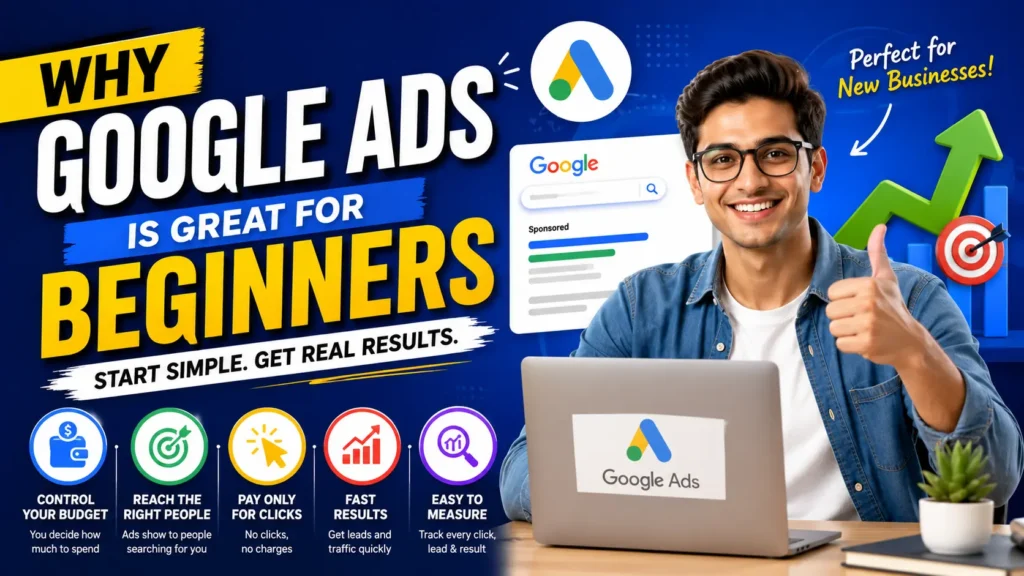
Here are a few reasons beginners like Google Ads:
- You control your daily budget
- You decide which keywords trigger your ads
- You only pay when someone clicks your ad
- Results can appear faster than SEO
- Campaign performance is measurable
Instead of guessing whether your marketing is working, Google Ads gives you clear data on clicks, calls, and conversions..
How Google Ads Works (Explained Simply)
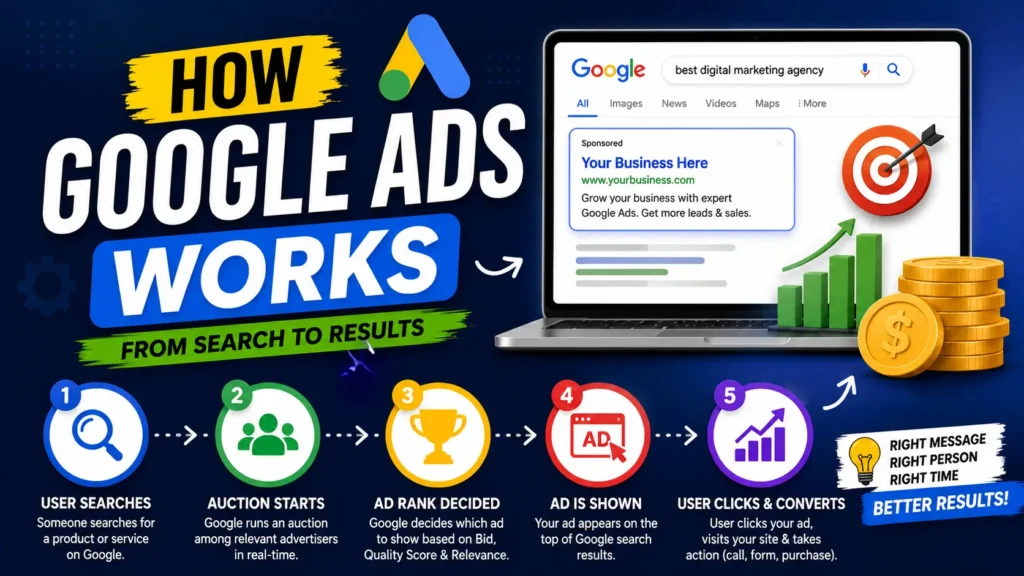
Think of Google Ads like an auction.
Whenever someone searches on Google, advertisers compete for that search.
But here’s the key point…
The highest bidder doesn’t always win.
Google also considers:
- Ad relevance
- Landing page quality
- User experience
- Expected click-through rate
These factors determine where your ad appears.
That’s why a well-optimized Google Ads campaign can outperform competitors spending more money.
Google Ads for Beginners: Step-by-Step Setup
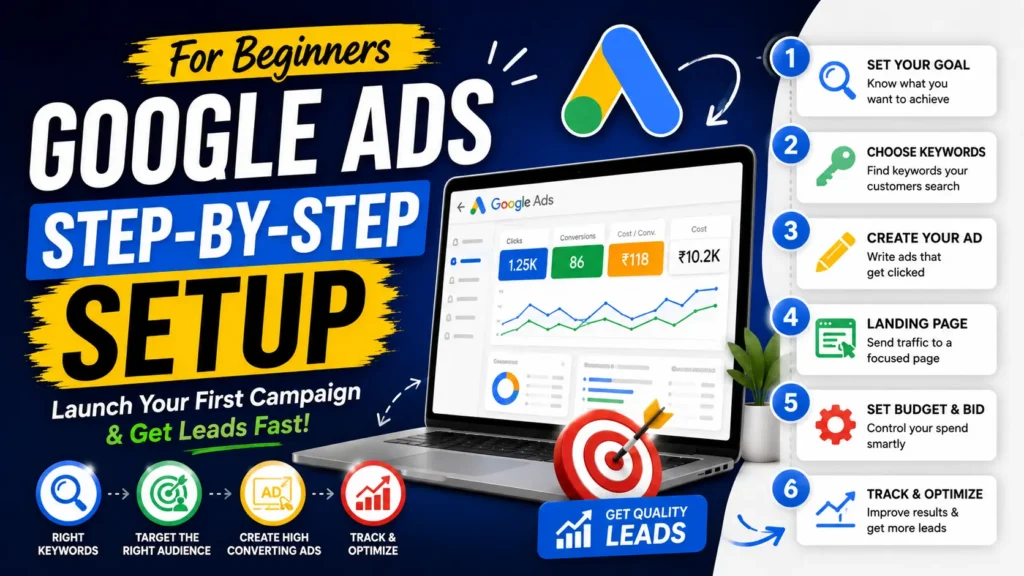
If you’re starting from scratch, keep things simple.
Follow these steps to build your first Google Ads campaign.
Step 1: Choose One Clear Goal
Ask yourself:
What do I actually want?
Common goals include:
- More phone calls
- More website enquiries
- More WhatsApp leads
- More bookings
- More online sales
Every campaign should have one primary objective.
Trying to achieve everything at once usually leads to poor results.
Step 2: Pick the Right Keywords
Keywords are the foundation of Google Ads.
For example, if you run a digital marketing agency, people may search:
- Google Ads agency
- PPC services
- Lead generation company
- Google Ads management
Choose keywords that show buying intent.
Someone searching “Google Ads agency near me” is more likely to convert than someone just researching.
Step 3: Write Ads That Solve Problems
Your ad isn’t just about your business.
It’s about your customer’s problem.
Instead of saying:
“We are the best digital marketing agency.”
Try something more useful.
“Need More Quality Leads? Get Expert Google Ads Management.”
People click solutions not self-praise.
Step 4: Send Visitors to the Right Landing Page
One of the biggest mistakes beginners make is sending everyone to the homepage.google ads for beginners
Imagine clicking an ad about kitchen renovation and landing on a homepage that talks about ten different services.
Confusing, right?
Instead, create a landing page focused on exactly what the visitor searched for.
The fewer distractions, the better.
Step 5: Track Your Results
Running ads without tracking is like driving with your eyes closed.
Make sure you measure:
- Leads generated
- Phone calls
- Form submissions
- Cost per lead
- Conversion rate
Tracking tells you what’s working and what needs improvement.
Common Google Ads Mistakes Beginners Should Avoid
Almost every first-time advertiser makes at least one of these mistakes.
The good news is they’re easy to fix.
Using Broad Keywords
Broad keywords attract irrelevant traffic.
Use more specific searches whenever possible.
Ignoring Negative Keywords
Negative keywords stop your ads from appearing for unwanted searches.
For example, if you only offer paid services, you may want to exclude searches containing:
- Free
- Jobs
- Course
- Internship
This helps protect your advertising budget.
Sending Traffic to a Slow Website
Even a great ad won’t save a poor website.
If your page loads slowly or doesn’t work well on mobile devices, many visitors will leave before contacting you.
Editing Campaigns Every Day
Google Ads needs data.
Making major changes every few hours doesn’t give the system enough time to learn.
Be patient.
Review performance regularly, but avoid constant changes.
A Simple Example
Let’s say a Mumbai-based clothing brand wants more online orders.
Instead of advertising every product, they start with one campaign promoting men’s formal shirts.
Their ads target searches like:
- Buy men’s formal shirts online
- Office shirts for men
- Cotton formal shirts
The ads lead visitors to a page showing only formal shirts.
No unnecessary distractions.
As results improve, they gradually expand into other product categories.
This is a much smarter approach than trying to advertise everything from day one.
Should You Manage Google Ads Yourself?
That depends on your goals.
If you’re learning and have time to experiment, managing your own campaigns can be a great experience.
But if every lead matters to your business, professional campaign management often saves both time and advertising budget.
Many businesses don’t lose money because Google Ads doesn’t work.
They lose money because campaigns are poorly structured.
Small improvements in targeting, ad copy, bidding, and landing pages can make a significant difference over time.
Key Takeaways
If you’re starting with Google Ads for beginners, remember:
- Set one clear campaign goal
- Choose high-intent keywords
- Write ads that solve problems
- Use dedicated landing pages
- Track every lead
- Optimize based on data
- Be patient
Google Ads is not about spending more.
It’s about spending smarter.
Ready to Launch Your First Google Ads Campaign?
If reading this Google Ads for Beginners guide has made the process feel a little less intimidating, you’re already ahead of many business owners.
At SparXcellence Ghodkes, we help businesses generate qualified leads through professionally managed Google PPC campaigns and Meta Ads strategies.
Whether you’re launching your very first campaign or trying to improve an existing one, we’ll help you build a strategy focused on real business growth—not just clicks.
Book a FREE Google Ads Strategy Call with our team today.
We’ll review your goals, identify opportunities, and explain the best way to start without wasting your advertising budget.
📞 Schedule a free consultation or connect with us directly on WhatsApp to discuss your business and get practical guidance tailored to your goals.
Your next customer is already searching on Google. Let’s help them find your business first.
Frequently Asked Questions About PPC
Is Google Ads good for beginners?
Yes.
Google Ads for beginners works well when you start with one campaign, one goal, and targeted keywords.
How much should I spend on Google Ads?
There isn’t one fixed budget.
Start with an amount you’re comfortable testing. Focus on measuring lead quality rather than simply increasing spend.
How long does Google Ads take to generate leads?
Some campaigns begin generating enquiries quickly, while others need time for optimisation. Results depend on competition, keywords, landing pages, and campaign quality.
What’s the difference between Google Ads and SEO?
SEO helps your website rank organically over time.
Google Ads allows your business to appear in sponsored search results almost immediately while you pay for clicks.
Many successful businesses use both together.